
blenderfly — gamepad addon for Blender


Cinematic Camera Fly System for Blender®
Smooth and precise camera control with a gamepad
Key Features
- Cinematic Mode and FPV Drone Mode
- Buttery smooth movement and look
with response curves - Advanced Tuning for Movement, Look, Roll, and Camera FOV
- Auto-Level, Inertia, Input Smoothing
- Precise timeline recording during playback
- Timeline control from gamepad
- Built-in presets: Default, Cinematic, Fast
- Full mapping editor for axes and buttons
- Windows/Mac, Xinput + custom Sony HID
- Blender 4.5+
Blender 4.5+


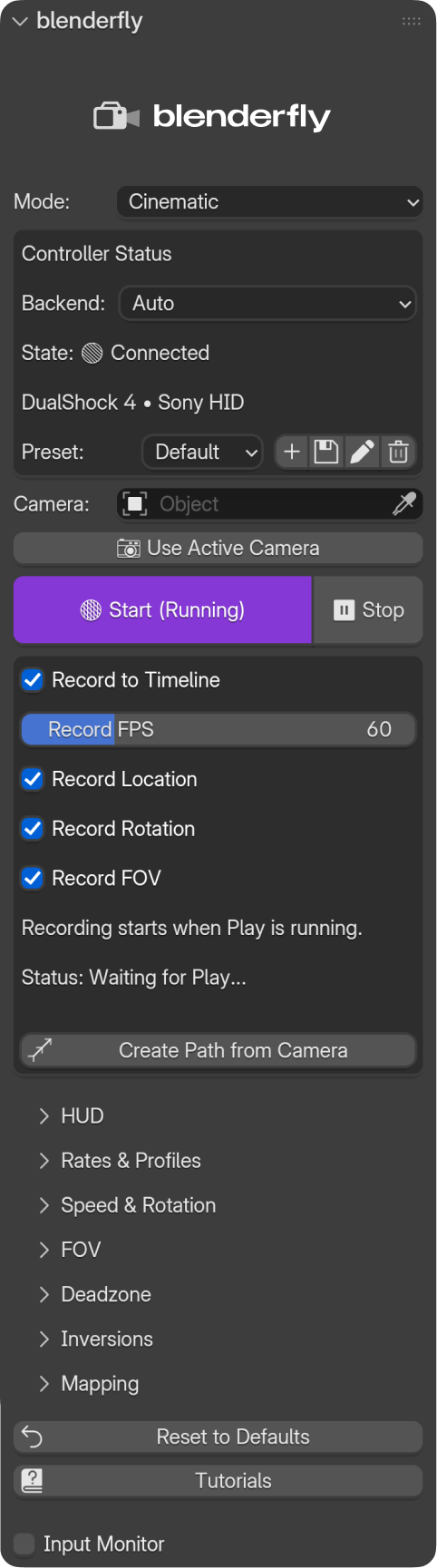
Deep tuning and customizing
Speed, Curves, Inertia, Input Smooth, Deadzones etc.
Auto-Horizon option
for Roll Axis
Adjust the speed and inertia
Record on Timeline
Only the necessary keyframes are recorded.
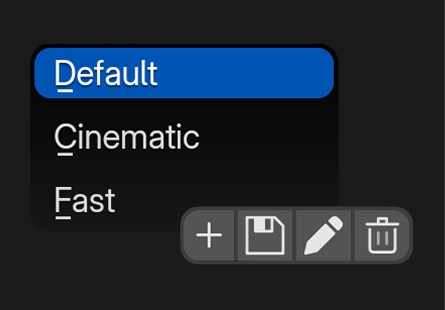
Preset Manager
Add, save, edit
all plugin settings

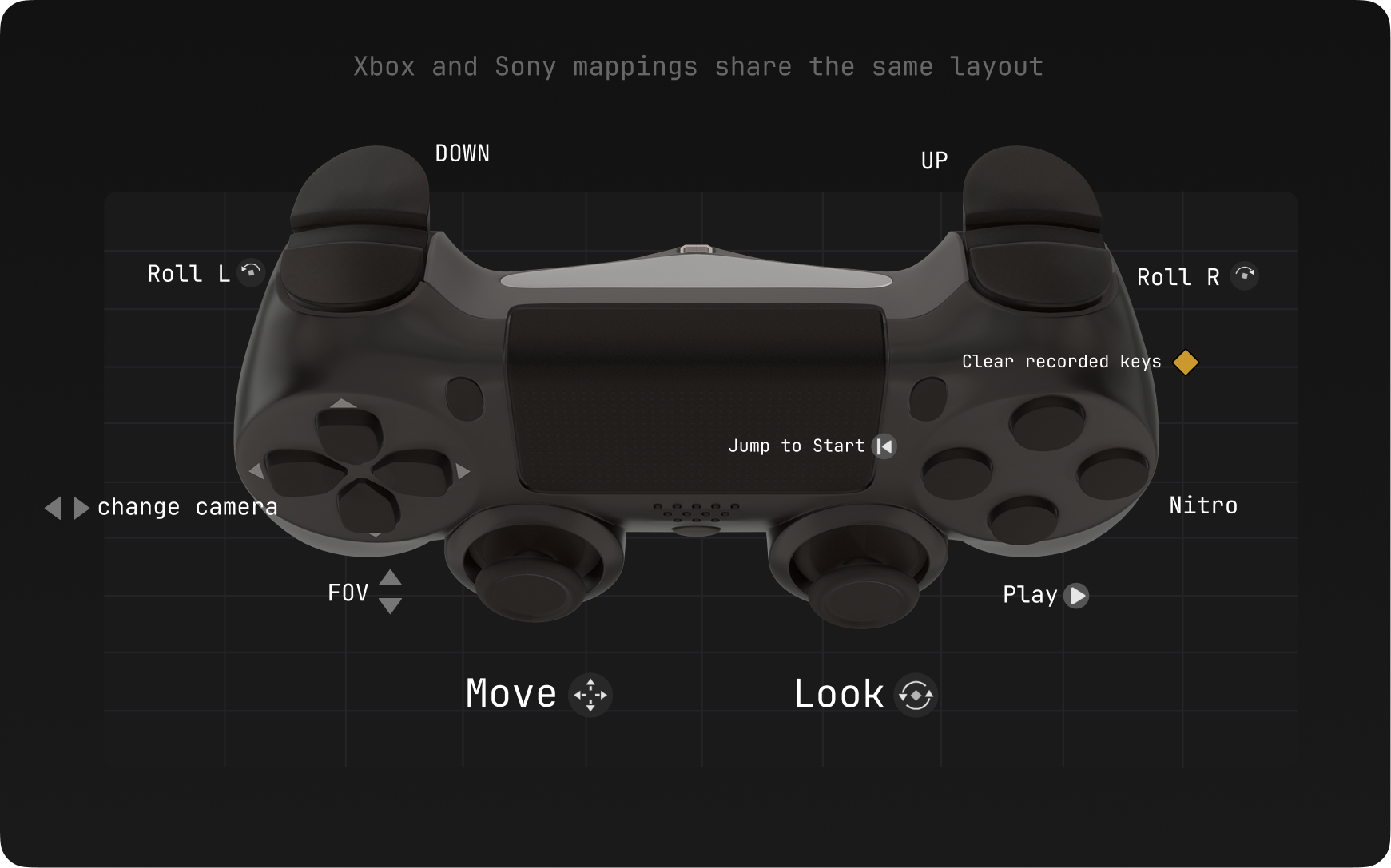
Smooth and predictable
Acceleration, deceleration, and inertia {move/look/roll} in seconds; from slow, cinematic moves to fast, tight control.
Instant Camera Switch
Switch between project cameras on the fly — smooth transitions, no delay. D-Pad Up/Down lets you jump from one camera to another mid-flight; instant switch, no stutter.
Camera FOV Control
Control the Camera Angle via D-Pad arrows with a wide adjustment Range and Smooth Speed Ramping.
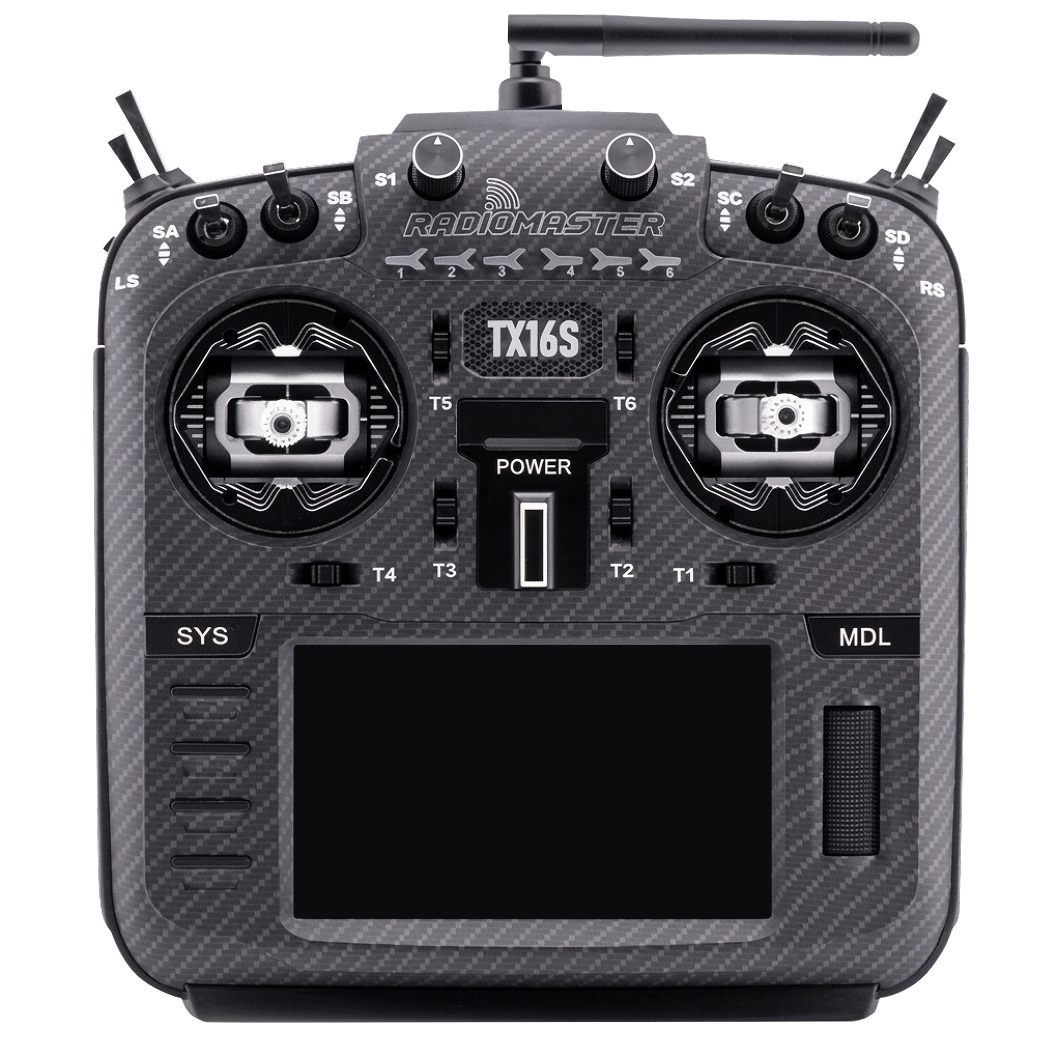
FPV MODE
FPV Mode is built for FPV drone radio controllers. It's a real-time FPV flight simulator running inside Blender.
- Flight physics — gravity, mass, motor power.
- Rate profiles — support for input curves from Raceflight, Betaflight, and KISS.
- Deep settings — camera angle, ground plane, limits, and in-air behavior.
You can practice FPV flying, test routes, and capture FPV-style shots directly in Blender.
city model by @abhayexe
Compatibility
Blender 4.5+ (5.0 tested)
Windows: XInput (primary), custom Sony HID backend
MacOS: HID backend
RC transmitters (USB joystick, FPV mode): RadioMaster TX16S and other radios on EdgeTX / OpenTX (e.g. Boxer, Zorro, Jumper T-Pro) — enable USB joystick / trainer mode per your handset manual.
FrSky transmitters: supported when Windows/macOS sees the radio as a standard USB game controller (e.g. FrSky Taranis listed as STMicroelectronics Joystick in FS Mode on Windows).
> Note: Controller behavior can vary by device and OS backend.
Installation
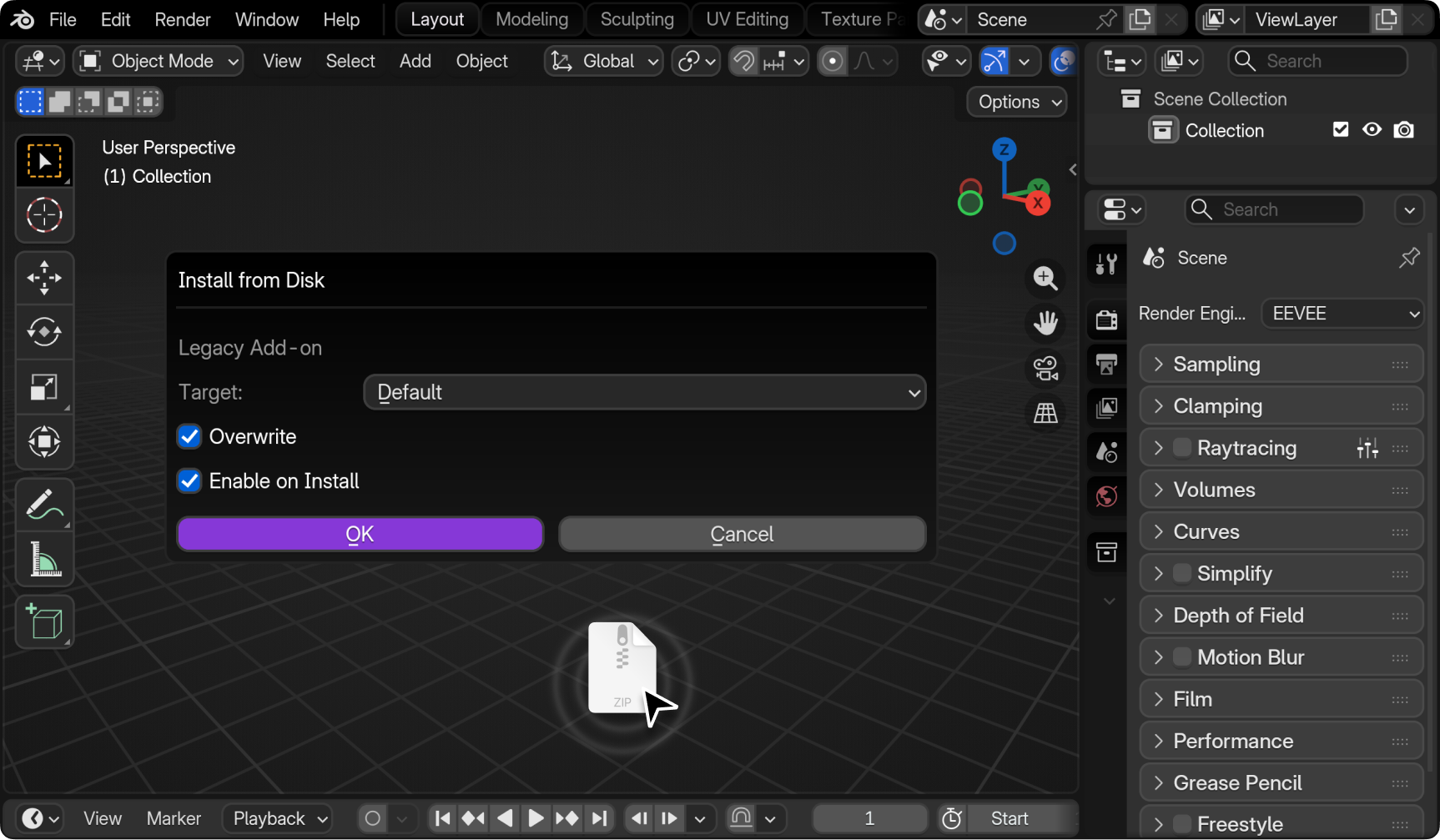
Drag and drop the .zip file into the Blender viewport, then press OK to install the add-on from the file.
Or install manually:
Go to Blender → Edit → Preferences → Add-ons → Install from .zip
After installation:
Open View3D → Sidebar → blenderfly tab
Support & updates:
Email: hello@jordanfx.net
Tutorial/Docs: https://jordanfx.net/docs/blenderfly/
Documentation
Full documentation and tutorials are available on our docs site.
Open Documentation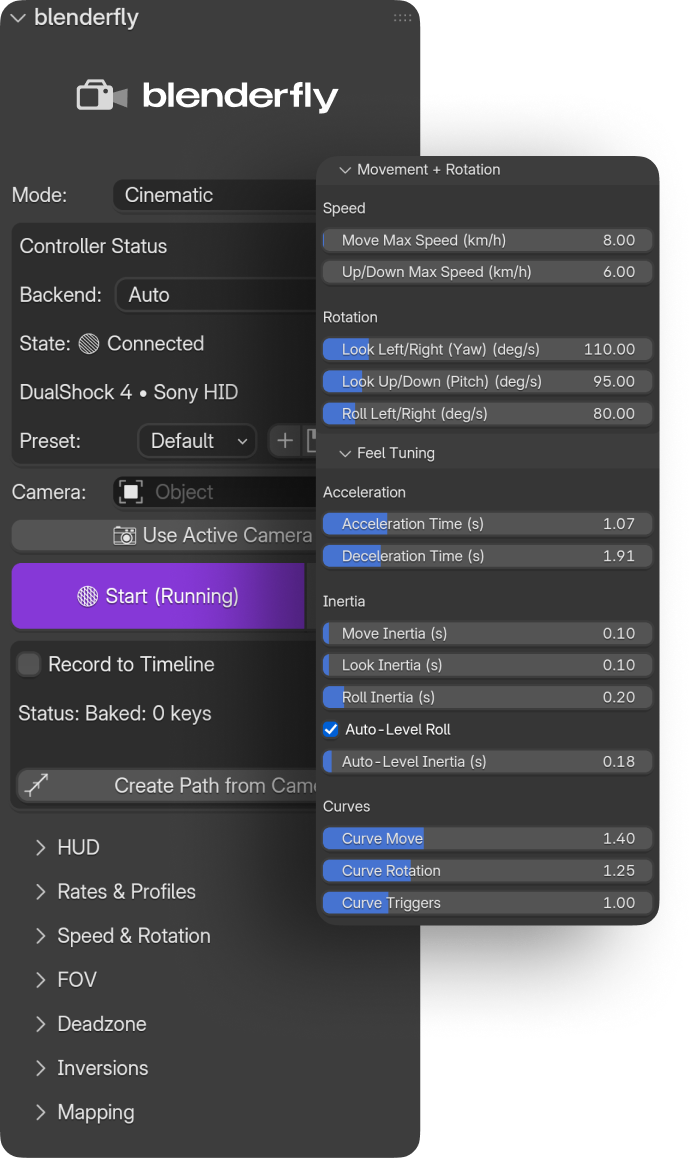
Lightweight Blender add-on that gives you smooth, reliable gamepad control over the viewport camera. Pick any camera from the scene, switch to it in one click, hit Start — and you're flying.
Secure checkout by Paddle (Merchant of Record)
Blender 4.5+
Seamless experience in any project:
Start → Fly