Input Monitor
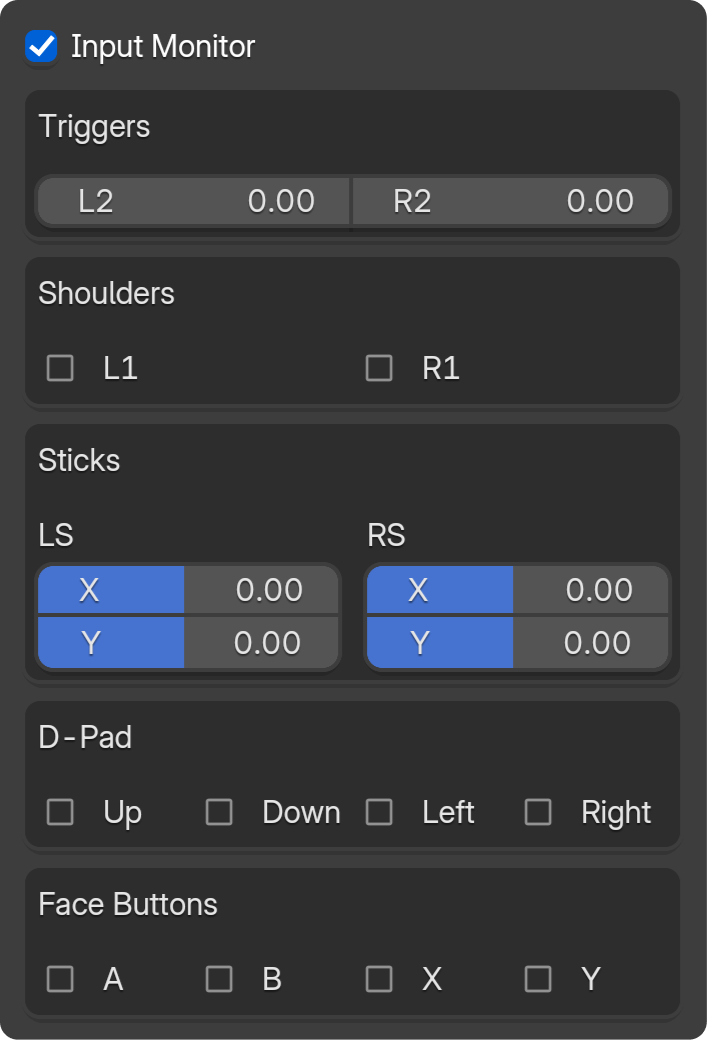
The Input Monitor (checkbox in the main panel) shows live values from your gamepad. Useful for debugging connection issues or verifying axis/button mapping.
What It Shows
When enabled, the panel displays:
- Triggers — LT, RT values
- Shoulders — LB, RB
- Sticks — LX, LY, RX, RY
- D-Pad — Up, Down, Left, Right
- Face buttons — A, B, X, Y (or PlayStation equivalents)
When to Use
- Controller not responding — Check if values change when you move sticks.
- Verifying mapping — Confirm which axis maps to which control.
- Calibration — See raw values for deadzone tuning.