Installation
Requirements
- Blender 4.5–5.0+ (aimed to be future-friendly)
- Controller: Xbox (XInput) or Sony DS4/DS5
- OS: Windows or macOS
Steps
-
Download the blenderfly addon (zip file) from Patreon or Blender Market.
-
Install — either:
Option A — Drag and drop: Drag the blenderfly zip file onto the Blender window. Blender will prompt to install from disk — click OK.
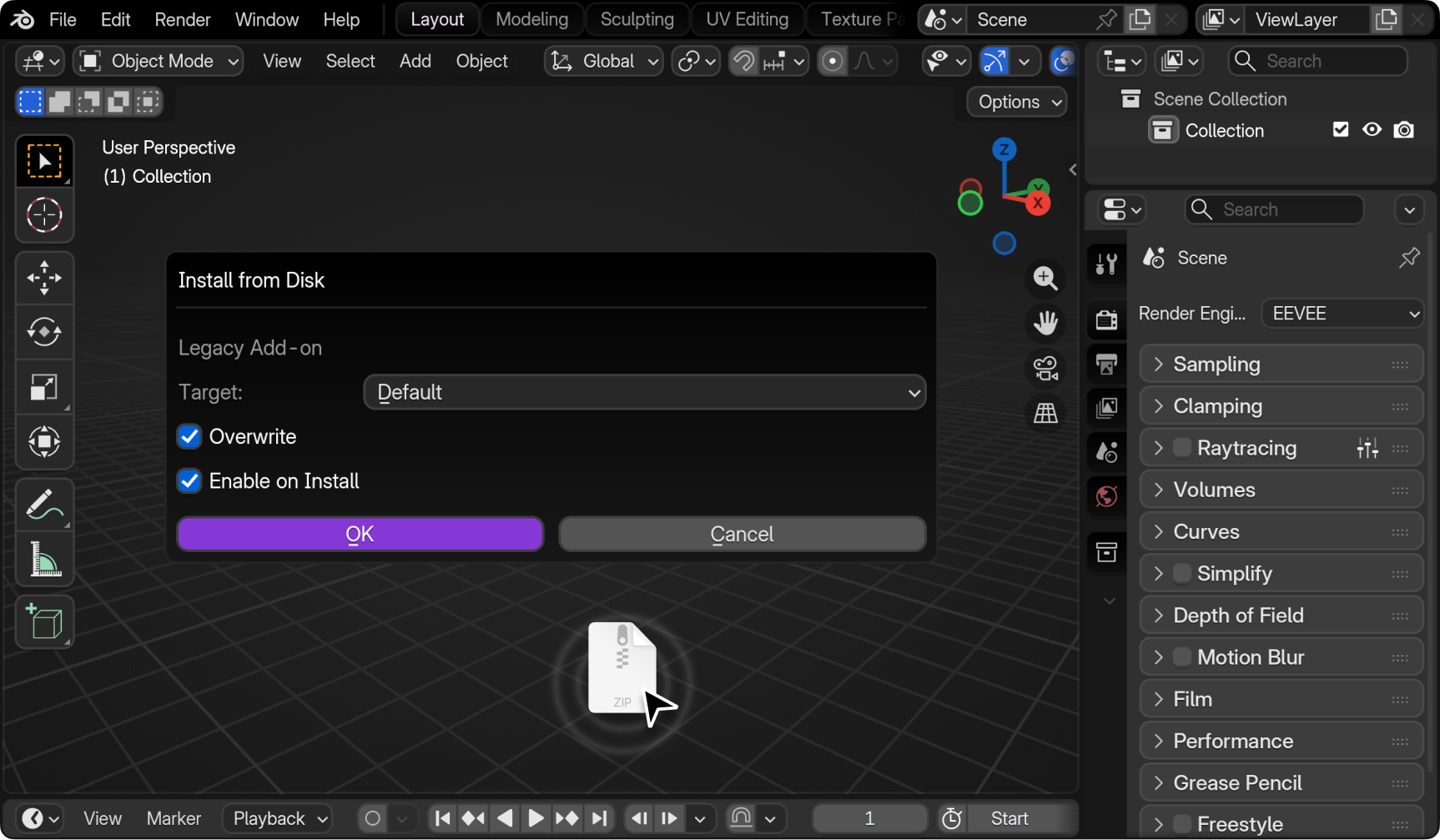
Option B — Via Preferences: Open Edit → Preferences → Add-ons → Install from zip → select the zip file.
-
Enable the addon by checking the box next to blenderfly.
-
Open the View3D editor and go to Sidebar (N key) → blenderfly tab.
After Installation
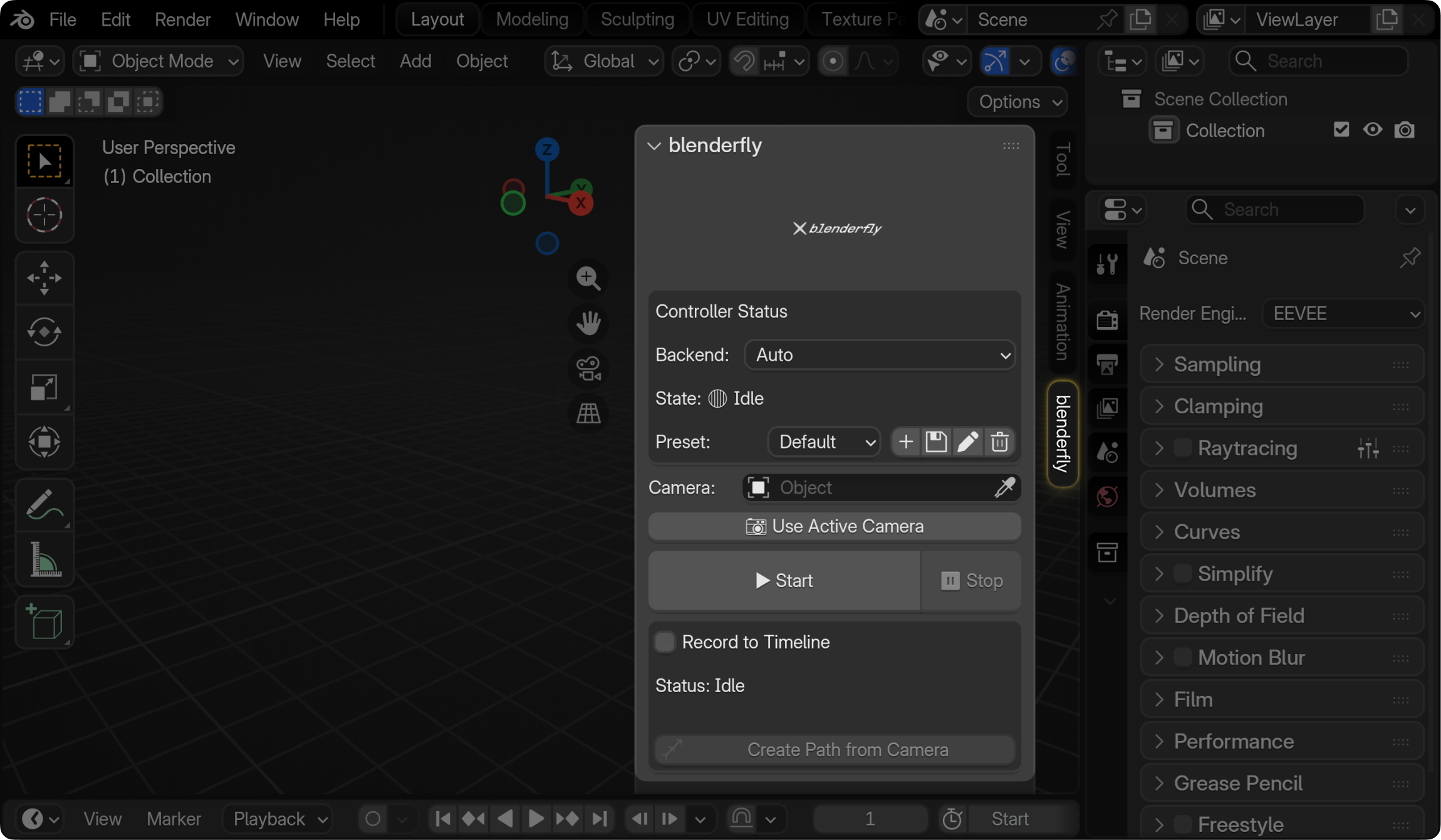
Right after installing, you can find the blenderfly addon in the right sidebar (addons panel) or by pressing N to open the sidebar.
Toolbar Shortcuts
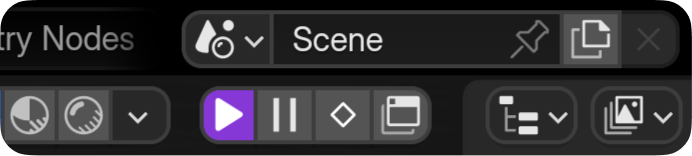
After installation, the addon adds quick-access buttons to the 3D Viewport toolbar: Play, Stop, Record, and Open Panel. Use them to start/stop flying, record to timeline, or open the blenderfly sidebar without pressing N.