Auto-Horizon
Auto-Horizon keeps the camera level on the roll axis. The horizon stays horizontal even as you pan and tilt.
What It Does
With Auto-Level Roll enabled and no roll buttons pressed, the camera's roll is driven toward world level. When you press roll buttons, manual roll takes over.
When to Use
- Cinematic shots — Stable horizon, no accidental tilt.
- Blocking passes — Roll would be distracting.
- Real-world feel — Most cameras don't roll; this matches that behavior.
When to Disable
- Intentional roll — Barrel rolls, creative camera moves.
- Matching reference — When your reference includes roll.
Adjusting
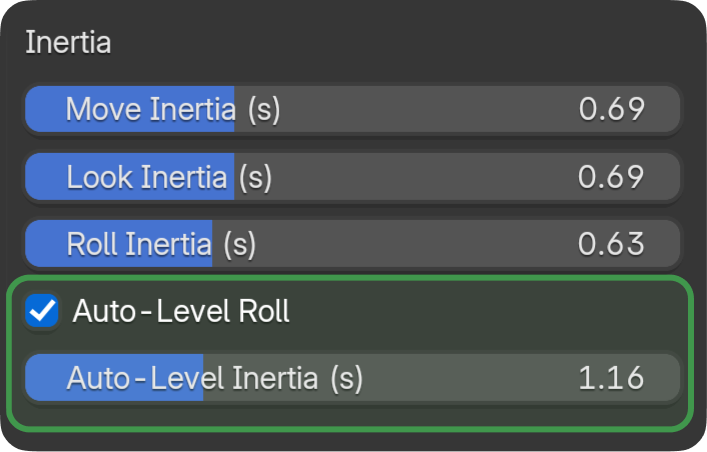
Auto-Level Response Time (in the Feel panel) controls how quickly the camera levels.
- Shorter — Snaps to level quickly.
- Longer — Gradual leveling, smoother transition.